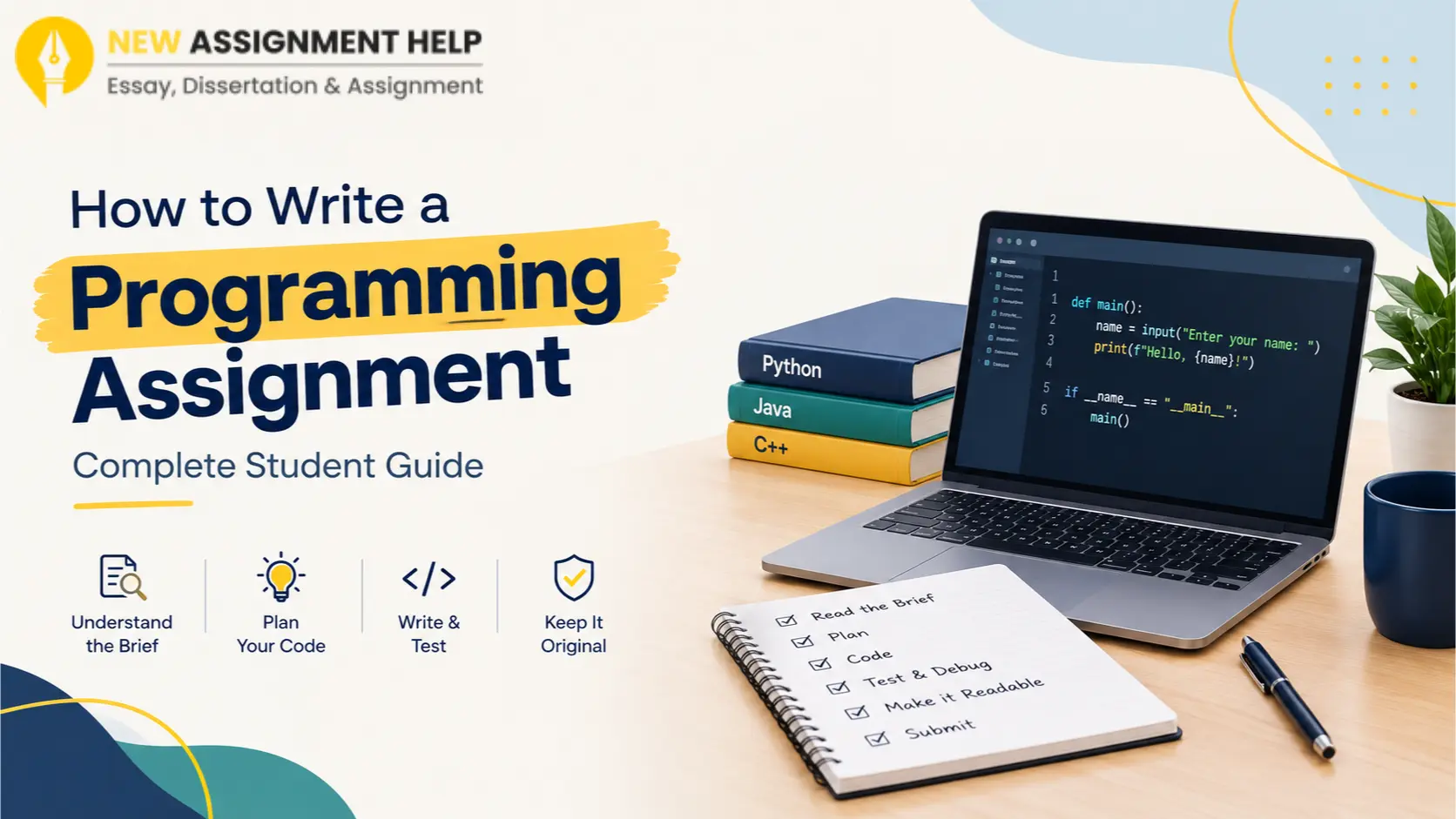
When you first open your programming assignment brief, all you see is a long task, a tight deadline, and a blank editor. This troubles many Australian programming students every semester. But do you know what can ease this? It is the structured process of writing a programming assignment that can make the task feel much smaller. This guide here is going to give you exactly that. It walks you through the writing process one step at a time. So, let’s begin with what to do before writing.
Re-read Your Programming Assignment Brief
The first reading is done to understand the task but the second reading is what brings the difference in your grades. While you are rereading the brief, underline the language, the tools, and the file names you must use. Check the marking rubric too to figure out where your marks come from. Many units give marks for readable code and testing as well as correct output.
Next, write the task in your own words, preferably in one or two plain sentences. If you cannot explain it simply, ask your tutor on the discussion board because early questions always save hours later. Once the task is clear, you can plan your solution now.
Plan Before You Code
Jumping straight into code is a common mistake that can be avoided by planning a short plan beforehand. To do so, start with the inputs and outputs: What does the programme receive? What must it show or return?
Then write pseudocode, i.e., plain English steps that describe your logic. For example: “Ask for a number. Check if it is even. Print the result.” You can also sketch a flowchart if you prefer pictures over words. Both tools show gaps in your thinking before they turn into bugs. With a plan ready, you can start building the code now.
Build the Programme in Small Steps
Big programmes grow from small working parts. All you have to do is write one piece, run it, and fix it before moving on. This habit keeps bugs easy to find. If you’re looking for the steps to build your programme, here is the list that suits most Australian programming units.
- Set up your project folder and any files with the brief names.
- Write the input and output code first.
- Add one function at a time.
- Run the programme after each new function.
- Save your work with version control such as Git.
Each point keeps your code in a working state. If something breaks, you know the last change caused it. Git also gives you a safe history to return to. Once the code runs, it is time to test it properly.
Test and Debug With Precision
Running the programme once is not real testing. Good testing is the one that tries many inputs, including the strange ones too. Try empty values, very large numbers, and the wrong data types, as there is a good chance that your marker is going to try these too.
Now, in case you find a bug, stay calm. Read the error message from the bottom up as it often names the file and line that caused it. Add print statements to see what your variables hold. A debugger lets you pause the code and step through it line by line. The table below lists common problems and quick checks so that if you’re ever stuck, you know how to handle it without trouble.
| Problem | Quick Check |
|---|---|
| Syntax error | Look for missing brackets, colons, or quotes |
| Off-by-one error | Check where your loop starts and ends |
| Wrong output | Print values at each step |
| Crash on input | Test empty and unexpected values |
These checks solve most beginner issues and build habits that matter in later units. After your code works, make it easy to read. Confused? Keep reading.
Make Your Code Readable
Markers read your code as well as run it, so always use clear names such as “total_marks” instead of x. One thing that is going to be useful here is keeping each function short and focused on one job. Add comments that explain why you made a choice, and skip those that repeat the obvious.
Follow the style guide for your language. Python students often use PEP 8 while Java students follow common naming rules. Consistent spacing and indentation make your work look neat. A short README file can explain how to run the programme. With the code ready, one last area remains that needs your attention.
Keep Your Work Original
Australian universities take academic integrity seriously. Many of them use tools that compare code between students and online sources. Copying code, even small parts, can lead to a misconduct case. Check your unit outline for rules on AI tools too, because some units might allow them for learning while others completely ban them for graded work.
However, there is still an alternative. You can learn from examples: read them, close the tab, and write your own version. Cite any code you adapt, using the referencing style and format your unit asks for. One important thing: keep your commit history, because it shows how your work grew.
Final Thoughts
A programming assignment becomes manageable when you split it into stages. Read the brief, plan, build in small steps, test, tidy, and check originality. Start early so you have time to fix problems without any pressure. There are a few trustworthy online programming writing support services that guide you on your structure, explanations and documentation, if you want. Keep practising, and each assignment will feel easier than the last.