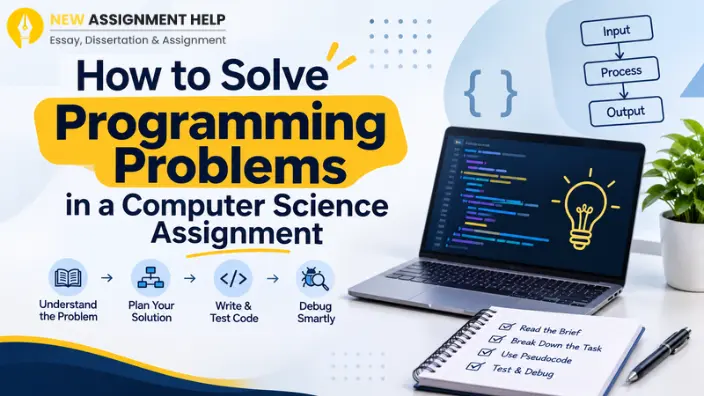
You open the assignment brief and your mind goes blank. Many Australian uni students feel this way in their first-year programming units. But what if you knew you could actually master this situation? You heard it right. Every coding problem can be solved using a set pattern, and once you learn these steps, you can solve any programming problem like a pro. This guide covers a simple process that teaches you how to solve programming problems in a computer science assignment. It works in Python, Java, C++ and most other languages, so let’s start learning without wasting time.
Read the Brief Twice
Many CS students lose marks because they often skip the details. Just so you know every single detail is given in your assignment brief and therefore you must read your brief twice. The first reading should focus on the big picture and the second reading should be done to highlight details. Underline the inputs, the outputs, and any rules such as language version or file names. During this time, check the marking rubric too. It shows what your tutor values, like comments, style and testing. Write down any questions you have and ask your tutor early. Once you know what the programme must do, you can try the task by hand.
Pretend you are the computer. Pick a small example and solve it on paper. If the task is to sort names, sort five names yourself. Write down every move you make. Those moves are the first draft of your algorithm. It feels slow, but it saves hours of guessing later. Now you can split the task into smaller parts.
Break the Problem Into Small Steps
Big tasks feel scary, and that is why it is recommended to break them down into smaller tasks. Here are a few ways to shrink a problem.
- List the main jobs, such as reading input, processing data and printing results.
- Turn each job into a function with one clear purpose.
- Solve the easiest part first to build confidence.
- Leave the hardest part until the rest works.
Each piece is now a mini problem you can finish in one sitting. With the pieces listed, you can plan the logic in plain words.
Write Pseudocode Before the Actual Coding
Pseudocode is plain English that reads like code where you do not need strict syntax. For example, write “loop through each mark, add it to the total, then divide by the count.” Then read it aloud. If a friend could follow it, your plan is solid. Pseudocode also stops you from fighting language rules while you think. Once the plan makes sense, you can turn it into real code.
Do not write 200 lines and then press run. Write five or ten lines and run them. Print values to see what is going on and only then add the next piece. Test with normal inputs first. After that, try odd ones, like an empty list, a zero or a huge number. Edge cases are where many bugs hide. When something breaks, you will know it came from the last few lines you added. That makes the search for the bug much shorter.
Debug Without Panic
Bugs are normal in any programming problem. Even experienced developers fix them every day. When you see a bug, do not panic. Read the error message from the top, since it often names the line and the type of problem. For an easy access, you can refer to the table below that lists common symptoms and their quick checks.
| Symptom | Quick check |
|---|---|
| Syntax error | Look for missing brackets, colons or quotes |
| Wrong output | Print variables at each step |
| Infinite loop | Check that the loop condition changes |
| Crash on input | Test empty and extreme values |
Use this table as your starting point, then trace your code line by line. Explaining it out loud to a friend or a rubber duck often reveals the mistake. If you still cannot spot it, take a short break and come back fresh. Sometimes a break isn't enough, and that's when you move to the next step.
Apart from fixing coding errors, students should also learn to evaluate their solutions and explain their technical decisions. Understanding how to write a critical analysis in a computer science assignment can help them develop stronger academic explanations.
Know When to Ask for Support
Spending hours on one bug rarely pays off. Try for about 30 to 45 minutes and if it still doesn’t make sense, seek guidance. Most universities offer tutors, consultation hours and peer study groups. If you want additional support outside of class, there are online computer science assignment support services that give you an edge. Prepare your question first and share what you expected, what happened, and what you already tried. Clear questions get clear answers. Keep your academic integrity rules in mind too. Your work should stay your own, and you should reference any code you adapt.
Final Thoughts
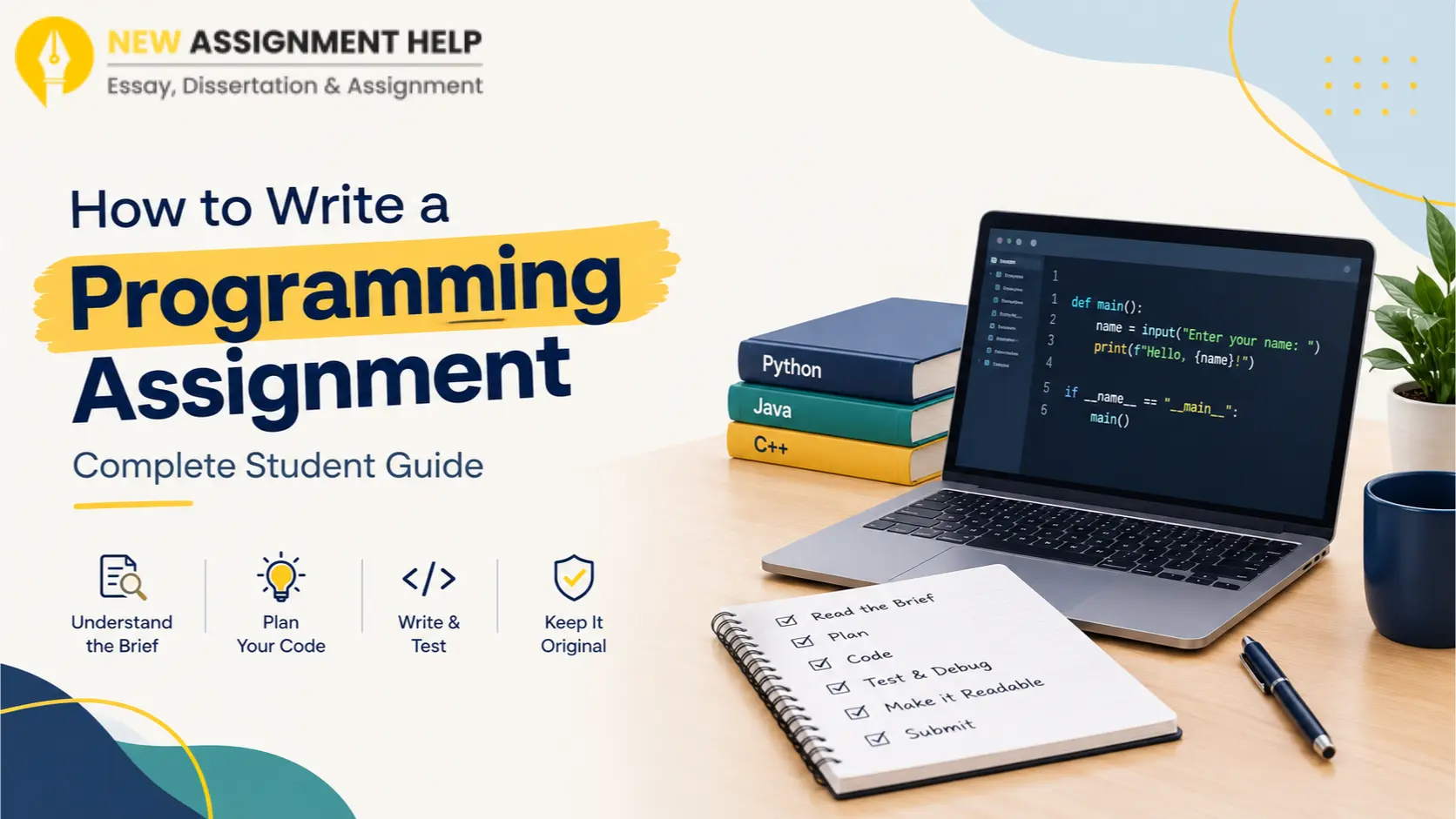
Solving programming problems is a skill you build with practice. Read the brief carefully, try an example by hand, split the task, plan in pseudocode, code in small steps and debug calmly. If you also need to explain your solution in a report or reflection, do not hesitate to ask for support. Try this process on your next task and notice how easier it feels to solve programming problems in a computer science assignment.

 6 Years | MSc Data Science
.webp)